Meddioo Graph
MeddiooG brings generative nodes and production steps onto one canvas. Make pictures, video and sound, connect every Studio and run the whole production again with new values.
Requires setupExplore Meddioo Graph
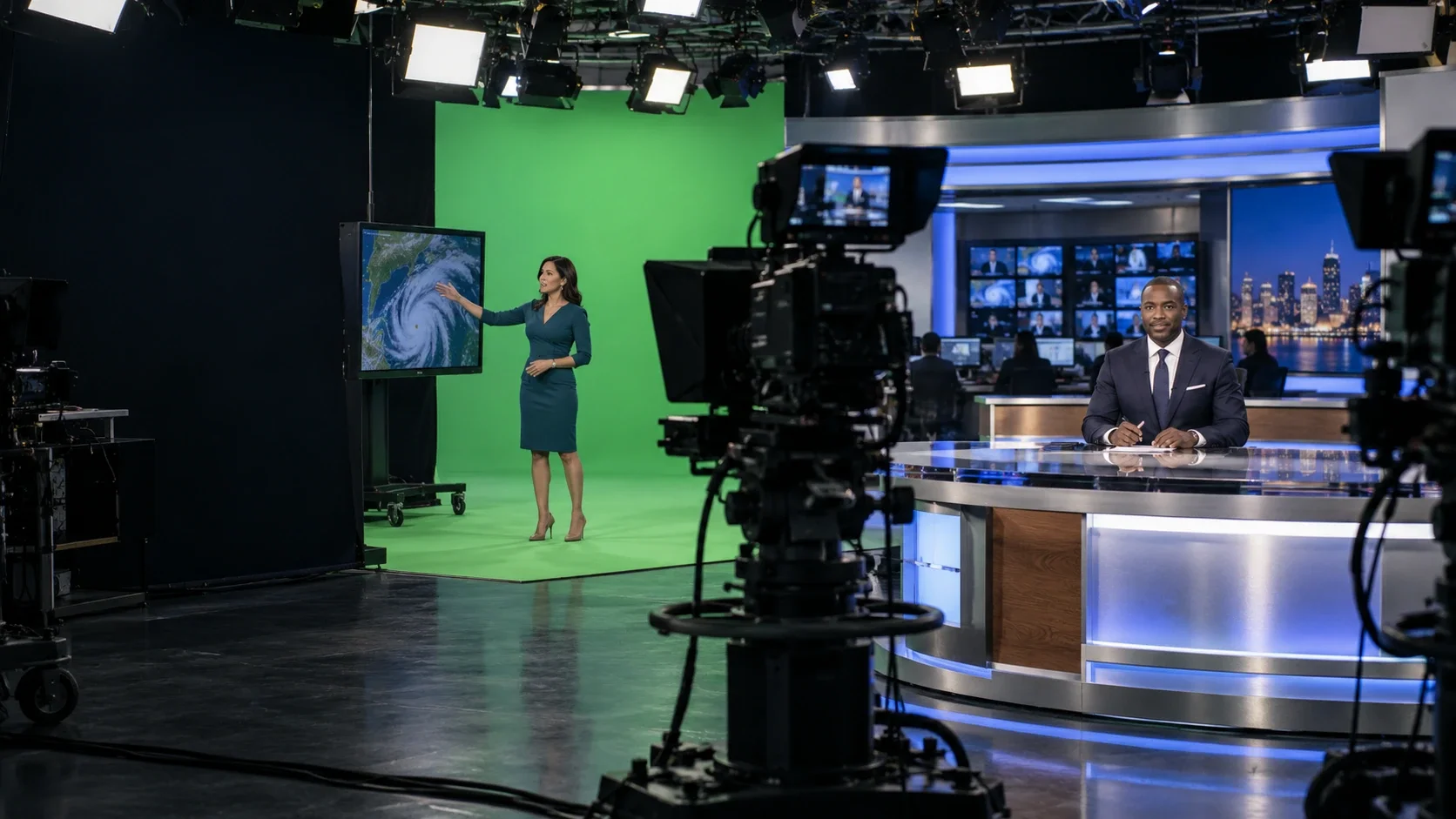
Behind the green screen. Ahead of the story.
Marcus prepares the bulletin while Elena rehearses the forecast. The desk, green screen and source material become a considered program, with the station schedule and prepared media close at hand.
Elena steps onto the chroma stage. The operator tunes the key, composes the prepared background and checks the result in preview before taking the weather scene to program.
Marcus hands over to Elena. A prepared HTML Studio weather graphic gives the segment a clear visual language; the operator rehearses its values, then takes and updates the configured graphic on air.
After the segment, Marcus and Elena join the release review. The station team checks prepared outputs, manages the calendar and follows delivery status across its supported destinations.
AudienceFor digital TV stations, newsrooms and channel teams
A connected operating environment for programming, channel preparation and delivery.
Digital channels, broadcasters and media networks.
Move between specialist spaces with the assistant at your side. This collection spans the package’s levels; compare plans for the tools and capacity at each level.
MeddiooG brings generative nodes and production steps onto one canvas. Make pictures, video and sound, connect every Studio and run the whole production again with new values.
Requires setupExplore Meddioo GraphGive finished work a destination. Organize stations, prepare programming and manage schedules, publishing and live output from one place.
Explore BroadcastExplore your media with an understanding layer. Use configured analysis services to describe content and bring context into the creative process.
Explore VisionBuild a living collection of media, ideas and research. Collect, organize and find resources, then bring them into your next production.
Explore Storage & LibraryArrange source media, build sequences and refine the structure of your story.
Explore Editing TablePrepare scenes, guest rooms, audio and recording for a live production with configured live services.
Requires setupExplore Live StudioDesign motion graphics with themed templates or HTML, CSS and React, and export video, transparent video, stills or HTML.
Requires setupExplore HTML StudioPrepare translated voice versions, review dialogue and align voice cues with configured providers.
Requires setupExplore Dubbing StudioWrite, time, translate and style captions for the picture.
PreviewExplore CaptionBuild and direct 3D scenes with cameras, light, physics and recorded takes.
Requires setupExplore 3D StudioExplore the possibilities, then make the workflow your own. Each scenario starts with a simple request to your AI assistant.
Build channel programming from an organized library and repeatable schedules.
ASK YOUR ASSISTANT“Propose a programming schedule for this channel using our available media.”
Find relevant media, coordinate preparation and organize the publishing workflow.
ASK YOUR ASSISTANT“Help me find supporting material and plan the assets for this bulletin.”
Manage stations, destination accounts and delivery calendars across your network.
ASK YOUR ASSISTANT“Help me adapt this programme for each of our connected channels.”
Connect live productions with prepared content and recording follow-up.
ASK YOUR ASSISTANT“Prepare a checklist for adding a live segment to this programme schedule.”
Search and organize your library to give existing material new editorial value.
ASK YOUR ASSISTANT“Find material about this topic and suggest a compilation programme.”
Plan translated captions, dubbing and version preparation for different audiences.
ASK YOUR ASSISTANT“Help me prepare a language version of this programme for our regional channel.”