Meddioo Graph
MeddiooG brings generative nodes and production steps onto one canvas. Make pictures, video and sound, connect every Studio and run the whole production again with new values.
Requires setupExplore Meddioo Graph
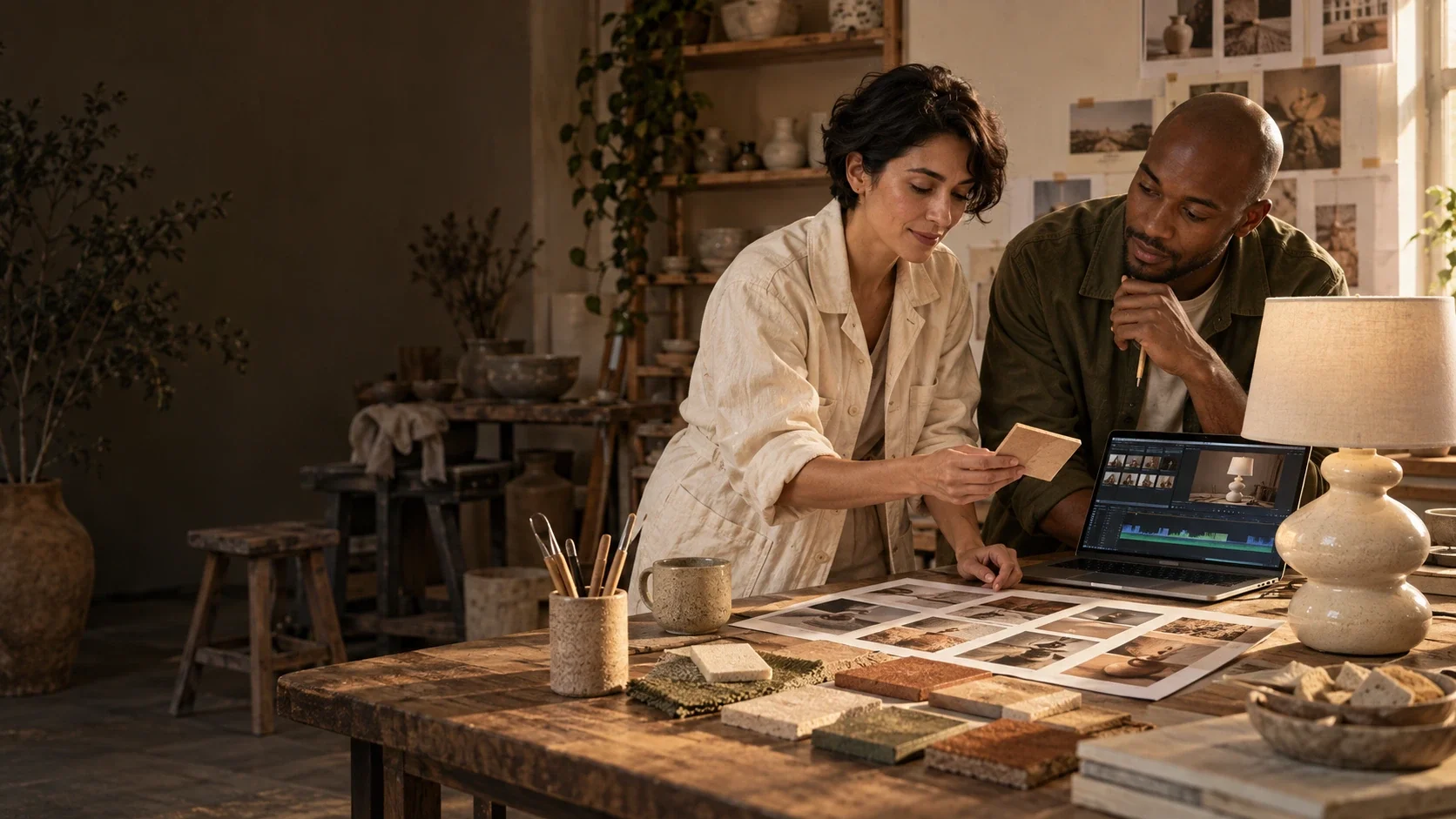
From a maker's hands to a brand story.
Noor has designed a ceramic lamp. Eli finds the campaign in the details: clay, light and the hands behind it. They gather references and source images in Meddioo Library before building the first edit.
A soft pool of light gives the lamp its character. Noor and Eli select the strongest photographs, refine the image layers and shape a short product film around the maker's process.
The hero film, portrait cut and campaign stills should feel like one collection. Eli builds the graphic treatment while Noor checks the product details across the different compositions.
The work is ready before the showroom opens. Noor and Eli review the prepared media, set the release schedule and follow delivery status for each configured campaign destination.
AudienceFor brand teams, makers and creative agencies
Build an idea into a family of media, then organize how it reaches each audience.
Brand teams, agencies and in-house content studios.
Move between specialist spaces with the assistant at your side. This collection spans the package’s levels; compare plans for the tools and capacity at each level.
MeddiooG brings generative nodes and production steps onto one canvas. Make pictures, video and sound, connect every Studio and run the whole production again with new values.
Requires setupExplore Meddioo GraphGive finished work a destination. Organize stations, prepare programming and manage schedules, publishing and live output from one place.
Explore BroadcastExplore your media with an understanding layer. Use configured analysis services to describe content and bring context into the creative process.
Explore VisionBuild a living collection of media, ideas and research. Collect, organize and find resources, then bring them into your next production.
Explore Storage & LibraryAssemble a video with media, text and sound, then prepare an output.
Explore Video EditorPrepare scenes, guest rooms, audio and recording for a live production with configured live services.
Requires setupExplore Live StudioEdit layered images with masks, adjustments, Smart Objects and styles.
Explore Photo editorPlace titles, lower thirds and shapes on the timeline from editable templates.
PreviewExplore GraphicsBuild layered motion graphics with keyframes, expressions, tracking and 3D.
Explore AnimatorPrepare translated voice versions, review dialogue and align voice cues with configured providers.
Requires setupExplore Dubbing StudioWork with timed words and prepare transcript-based editorial decisions.
Requires setupExplore TranscriptWrite, time, translate and style captions for the picture.
PreviewExplore CaptionExplore the possibilities, then make the workflow your own. Each scenario starts with a simple request to your AI assistant.
Connect the launch brief to hero videos, product images and a coordinated release plan.
ASK YOUR ASSISTANT“Propose a launch campaign for this product using our existing footage.”
Build an editorial rhythm with reusable media, platform versions and organized delivery.
ASK YOUR ASSISTANT“Help me plan a week of social posts around these three themes.”
Explore different hooks, visuals, titles and calls to action for a campaign.
ASK YOUR ASSISTANT“Suggest three opening hooks and help me create a version for each.”
Combine interviews, photography, motion and music to communicate a consistent story.
ASK YOUR ASSISTANT“Help me turn these customer interviews into a brand story.”
Prepare captions, translated scripts and dubbing for language-specific creative.
ASK YOUR ASSISTANT“Plan localized versions of this campaign and flag what needs review.”
Organize source media and production steps across multiple campaign deliverables.
ASK YOUR ASSISTANT“Make a production checklist for this brief and identify the assets still missing.”