Meddioo Graph
MeddiooG brings generative nodes and production steps onto one canvas. Make pictures, video and sound, connect every Studio and run the whole production again with new values.
Requires setupExplore Meddioo Graph
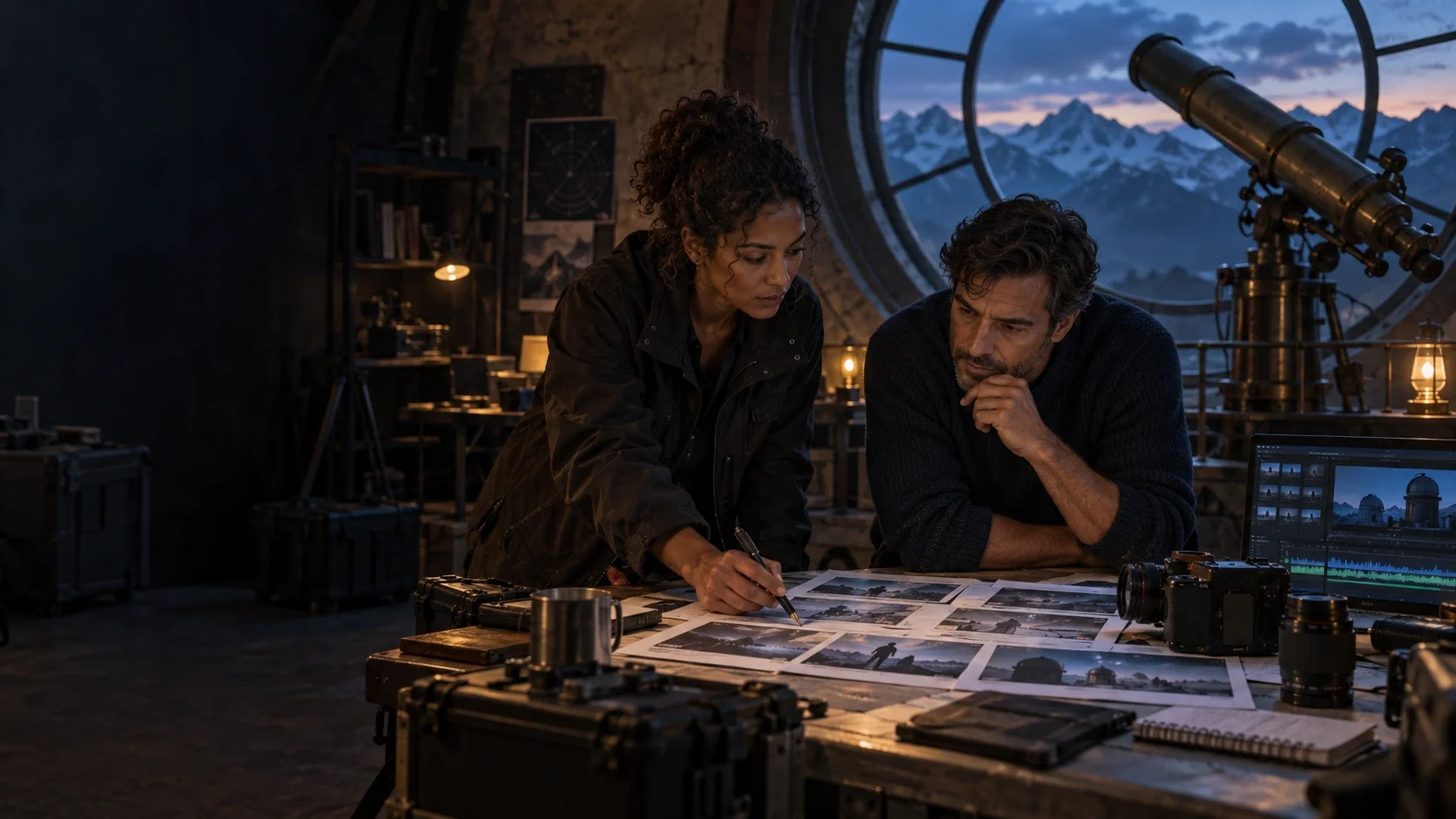
An imagined world. A finished film.
An abandoned observatory becomes the setting for Inez and Theo's short film. In Meddioo, they develop the script, break it into shots and make a storyboard that gives the shoot a shared direction.
A figure crosses the observatory window. Back in the edit, Inez and Theo organize the takes and build the sequence, turning carefully planned shots into the rhythm of a scene.
Cold evening light meets a quiet, detailed soundscape. Inez and Theo refine the picture in Color and the mix in Audio, then review the rendered result for the finish that serves their story.
The final screening is a creative decision as much as a technical one. Inez and Theo review the exported film, resolve their notes and carry the approved version through a clear production checkpoint.
AudienceFor filmmakers, production studios and post teams
Connect the creative brief, specialist studios and the steps that deliver the finished story.
Production companies and post-production studios.
Move between specialist spaces with the assistant at your side. This collection spans the package’s levels; compare plans for the tools and capacity at each level.
MeddiooG brings generative nodes and production steps onto one canvas. Make pictures, video and sound, connect every Studio and run the whole production again with new values.
Requires setupExplore Meddioo GraphExplore your media with an understanding layer. Use configured analysis services to describe content and bring context into the creative process.
Explore VisionBuild a living collection of media, ideas and research. Collect, organize and find resources, then bring them into your next production.
Explore Storage & LibraryShape briefs, stories, scenes and production plans before the first edit.
Explore Pre-Production StudioArrange source media, build sequences and refine the structure of your story.
Explore Editing TablePlace titles, lower thirds and shapes on the timeline from editable templates.
PreviewExplore GraphicsBuild layered motion graphics with keyframes, expressions, tracking and 3D.
Explore AnimatorDesign motion graphics with themed templates or HTML, CSS and React, and export video, transparent video, stills or HTML.
Requires setupExplore HTML StudioCompose, arrange and work with musical parts alongside your production in a working studio preview.
PreviewExplore Music StudioMix, record and repair sound on a multitrack timeline and down to the sample.
PreviewExplore AudioPrepare translated voice versions, review dialogue and align voice cues with configured providers.
Requires setupExplore Dubbing StudioWork with timed words and prepare transcript-based editorial decisions.
Requires setupExplore TranscriptWrite, time, translate and style captions for the picture.
PreviewExplore CaptionGrade each shot with curves, wheels, scopes and looks you can reuse.
PreviewExplore ColorBuild and direct 3D scenes with cameras, light, physics and recorded takes.
Requires setupExplore 3D StudioDesign editable studio sets and prepare their geometry for a 3D scene.
Explore Set DesignerCreate, validate and publish reusable 3D and 2D assets, characters and creatures.
Requires setupExplore Asset StudioExplore the possibilities, then make the workflow your own. Each scenario starts with a simple request to your AI assistant.
Carry scripts, research and source footage through editorial and finishing.
ASK YOUR ASSISTANT“Break down this script and propose a production and post-production workflow.”
Connect the brief, shot planning, edit and different delivery versions.
ASK YOUR ASSISTANT“Help me plan a 30-second film and a shorter cut from the same shoot.”
Shape sequences, review color, balance sound and prepare captions and exports.
ASK YOUR ASSISTANT“Review my editing goal and propose the next steps for picture and sound.”
Bring scoring, audio editing and mixing into the wider production process.
ASK YOUR ASSISTANT“Propose a musical direction and help me prepare the sound for this scene.”
Explore sets, assets, staging and camera ideas in the specialist workspaces.
ASK YOUR ASSISTANT“Help me develop a set and plan the shots needed for this sequence.”
Connect motion graphics and animation to the edit and the final story.
ASK YOUR ASSISTANT“Plan an animated title sequence that fits this film and its timing.”
Coordinate transcripts, language versions, captions and output requirements.
ASK YOUR ASSISTANT“Prepare a delivery checklist for a captioned master and translated versions.”